
Candy Texture Cursor
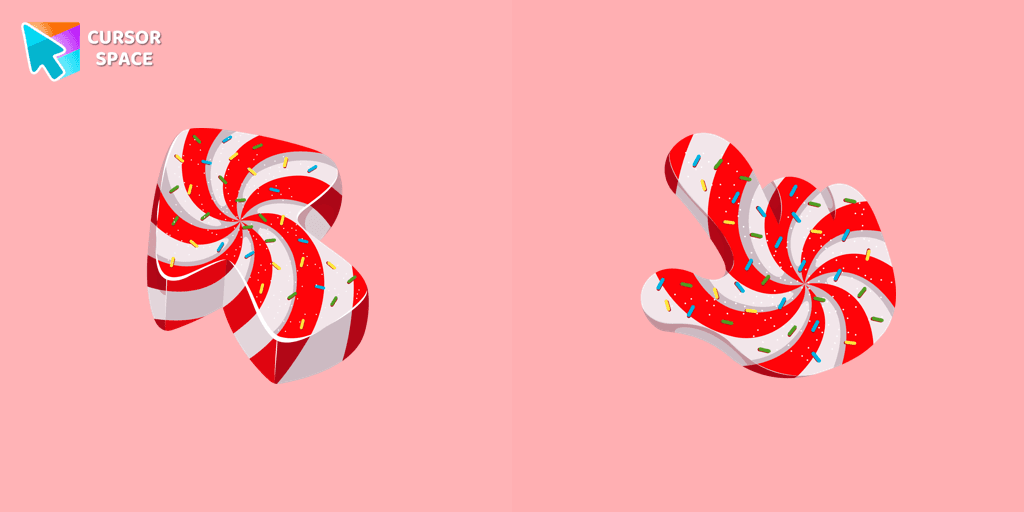
Cursors in the pack
Description
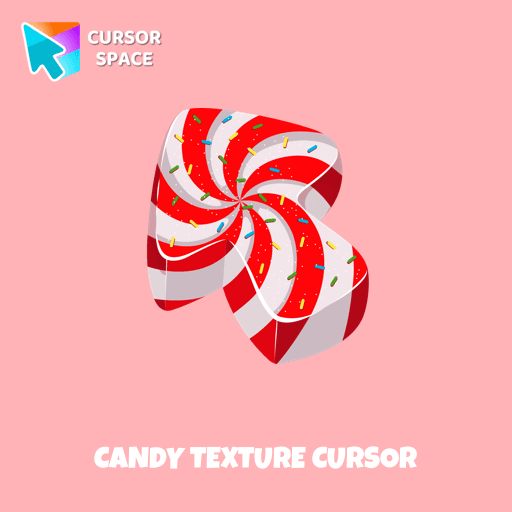
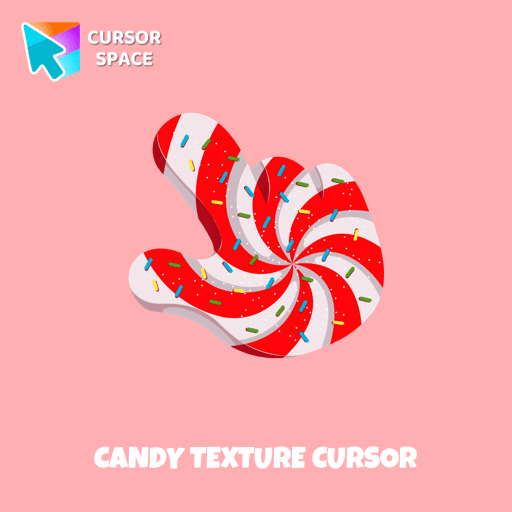
Relive Your Sweetest Memories with Candy Cursor No matter how old we are, the love for candies is universal. Some of our most treasured childhood memories revolve around visiting candy stores and being entranced by the vibrant rainbow of colors. Introducing the Candy Cursor Now, you can bring back the joy and nostalgia of those enchanting moments with the Candy Cursor from our Textures custom cursors collection for Chrome. This delightful cursor design captures the essence of colorful candies, allowing you to enjoy a sweet visual treat every time you use your mouse.
Indulge Your Senses With the Candy Cursor, you can add an extra dash of sweetness to your browsing experience. Indulge in the simple pleasure of a beautifully designed custom cursor that takes you back to those magical days when all it took to make us happy was a handful of candies.
What's included in the package
- Default Cursor
- Pointer (Hand)
How to install a custom cursor pack Candy Texture Cursor
Install the Cursor Space extension for Chrome or Cursor Space for Edge in your browser.
On this page, click "Add this cursor pack to the extension".
Open the extension and go to the Packs tab.
Find the custom cursor pack "Candy Texture cursor" and click it.
Enjoy!
Ready to install?
Get this cursor pack and thousands of others by installing our extension. It's fast and free!
About this cursor pack
Candy Texture Cursor is a themed cursor pack you can add to your browser to personalize your pointer across common cursor states (default and pointer). Use it for everyday browsing, streaming, studying, or gaming-anywhere you want your cursor to match your vibe.
Instant preview
See how the cursors look before installing.
Easy install
Add the pack to the extension in a few clicks.
Works in your browser
Designed for Chrome and Edge via the extension.
FAQ
Quick answers to common questions about cursor packs, collections, and installation.
Do I need an extension?
Which browsers are supported?
How do I switch back to the default cursor?
Popular cursors today
Custom cursor and packs - neon, anime, pixel art. Quickly add to Chrome and Microsoft Edge for free
- TOP 1

Orange gradient cursor
(2.0k)FreeUpgrade your browsing with the Vibrant Orange Gradient Cursor. This custom cursor offers a seamless orange gradient, merging style with functionality
- TOP 2
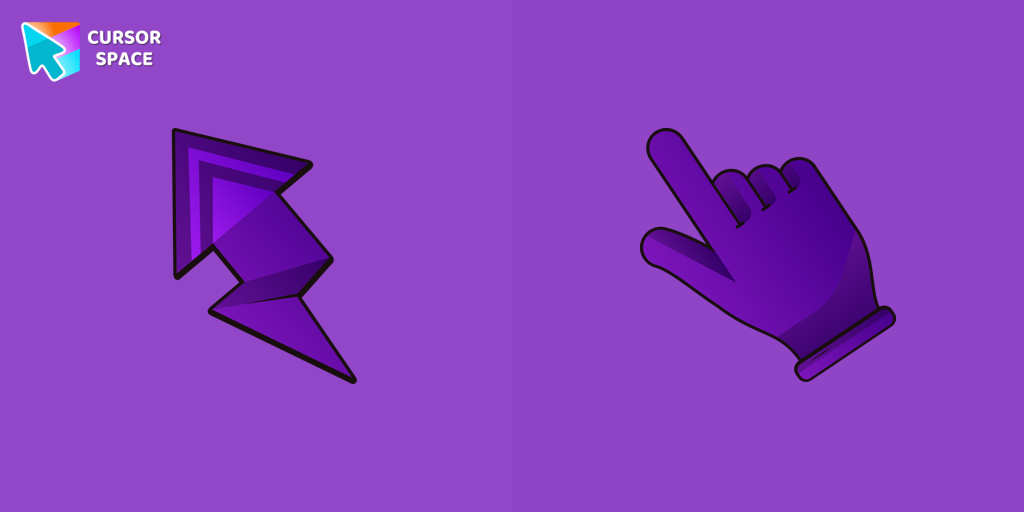
Lightning cursor
(93)FreeTransform your Chrome experience with custom cursors like Lightning and Star Wars themes. Add style and fun to your screen today!
- TOP 3
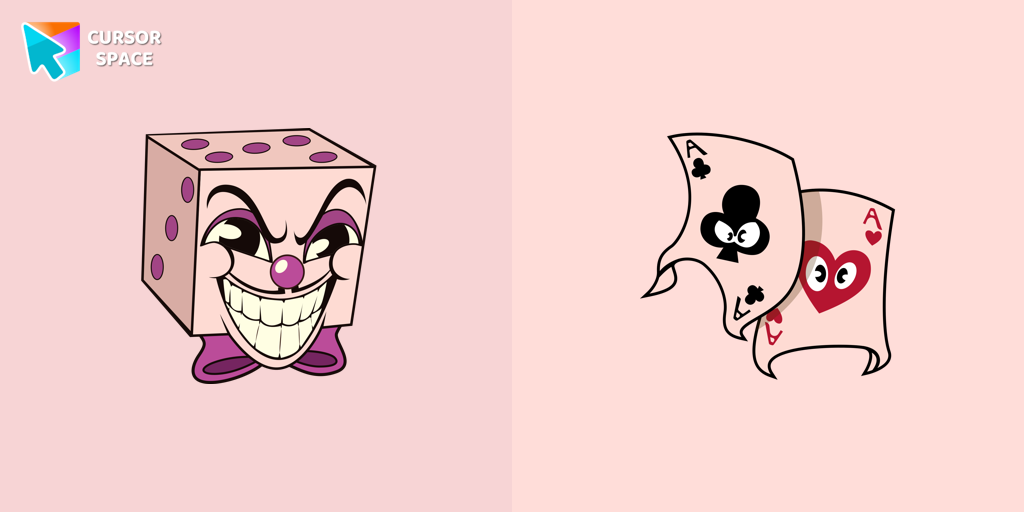
King Dice cursor
(88)FreeAdd a regal touch to your browsing with the King Dice custom cursor. A unique and stylish custom cursor for Google Chrome, perfect for a refined experience.
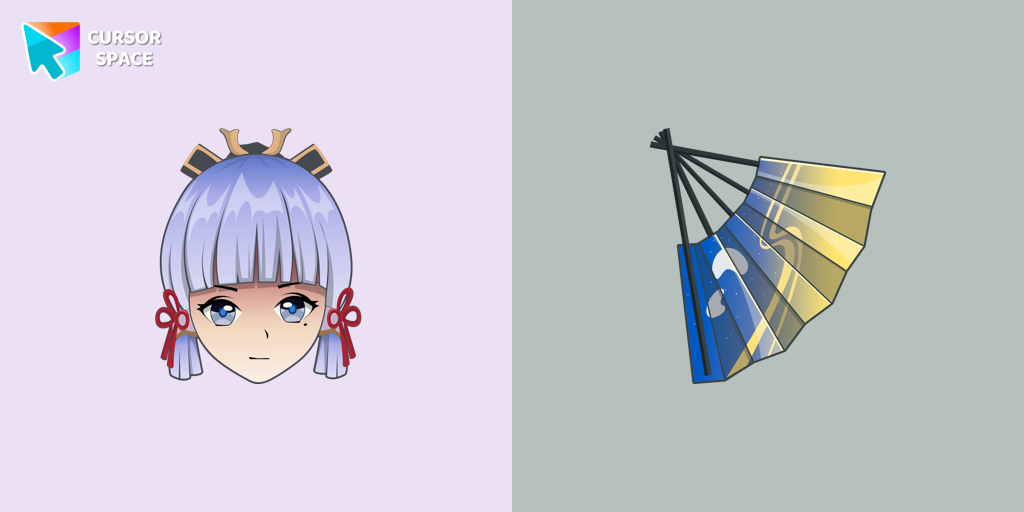
Kamisato Ayaka cursor
(81)FreeСustom cursor with Ayaka includes a mouse cursor in the form of a fan and a hover pointer with Kamisato Ayaka.
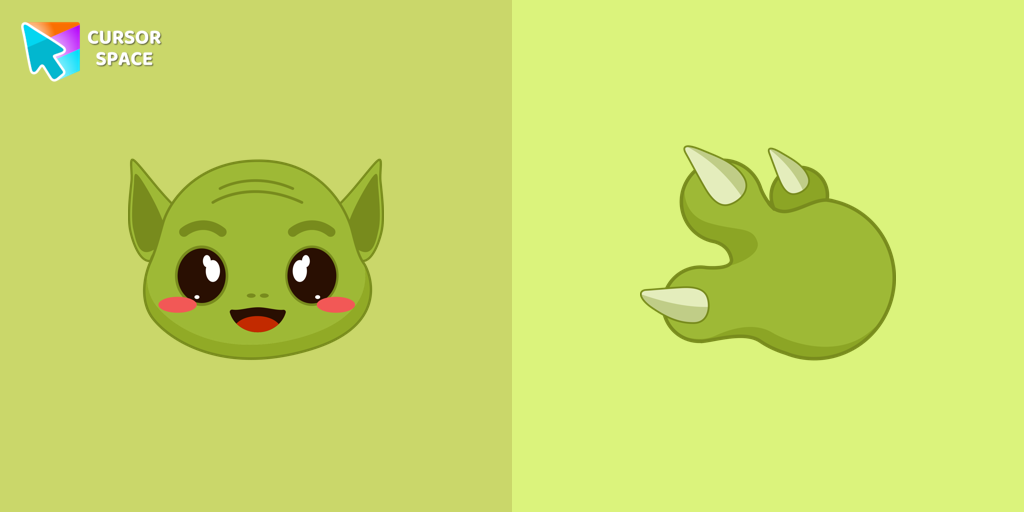
Grogu cursor
(82)FreeOur Grogu cursor is an adorable addition to your mouse, allowing you to enjoy the cuteness of the beloved character from Star Wars as you navigate your screen.
Djimmi the Great cursor
(81)FreeTransform your browsing with the Djimmi the Great custom cursor. This custom cursor for Google Chrome brings the magic of Cuphead to your screen.

Always There Bear cursor
(94)FreeStay Connected with the Always There Bear Cursor - A Trustworthy Companion

Turquoise gradient cursor
(53)FreeTurquoise Gradient Cursor is a unique custom cursor that transforms your mouse with a turquoise gradient design. Get a custom cursor for Google Chrome and personalize your browsing.
Rainbow cursor
(105)FreeExperience the beauty of the rainbow in your browsing with The Rainbow cursor from our custom cursors collection for your browser.

Green Spades cursor
(110)FreeAdd a fresh vibe to your screen with the Green Spades custom cursor for Chrome. Make your browsing stylish and unique!
Super Mushroom Pixel cursor
(264)FreeCute custom cursor with Super Mario includes a mouse cursor in the form of super mushroom and a hover pointer with the star.
Tenten cursor
(87)FreeThe Tenten Naruto custom cursor is a unique pointer featuring Tenten from the Naruto series. Personalize your desktop with this custom cursor for Google Chrome.
Collection hits
Installation leaders from "Textures cursor": free packs, neon/anime/pixel art, quick add to Chrome and Edge.
- TOP 1
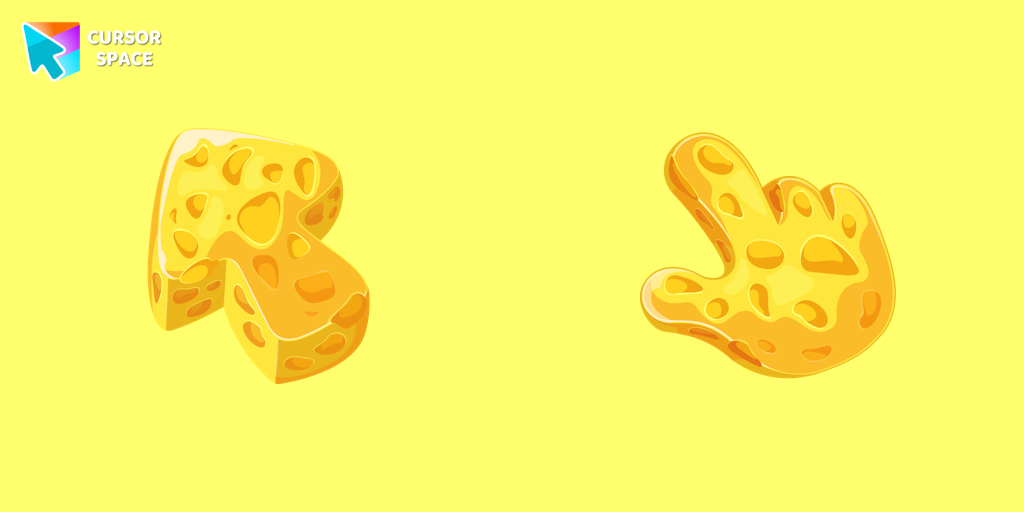
Cheese Texture cursor
(751)FreeThis cheese-themed custom cursor is a delightful addition to our Textures custom cursors collection specifically designed for Chrome users.
- TOP 2
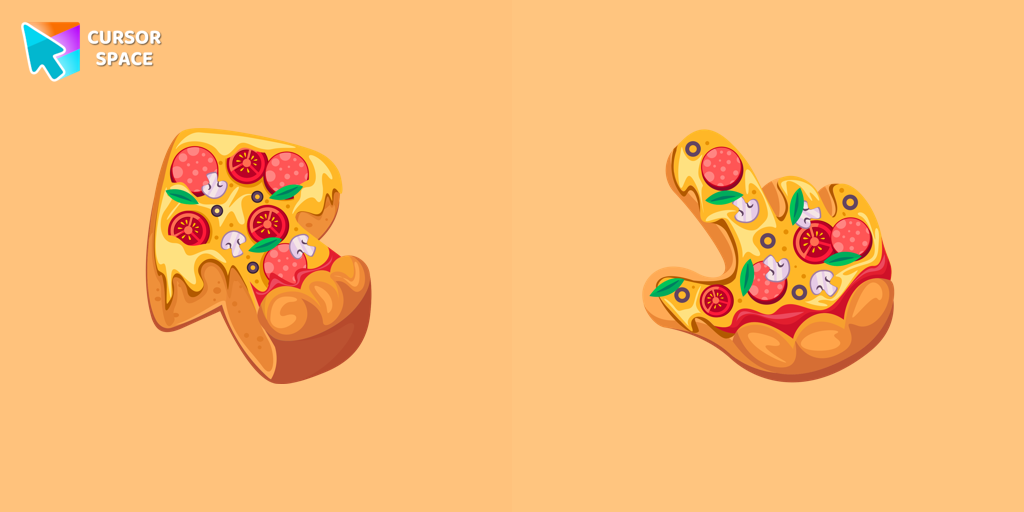
Pizza Texture cursor
(632)FreeEnjoy browsing with our custom cursor for Google Chrome featuring a fun pizza design. Add a unique touch to your screen and make your cursor stand out.
- TOP 3
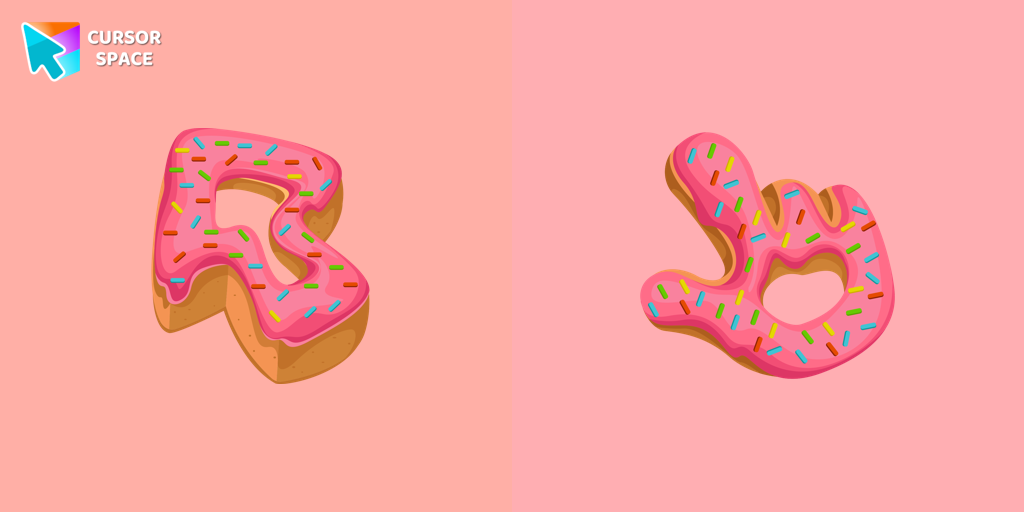
Donut Texture cursor
(452)FreeEnjoy a fun browsing experience with the Donut Textures custom cursor. Inspired by American films, this custom cursor for Google Chrome adds sweetness to your screen.
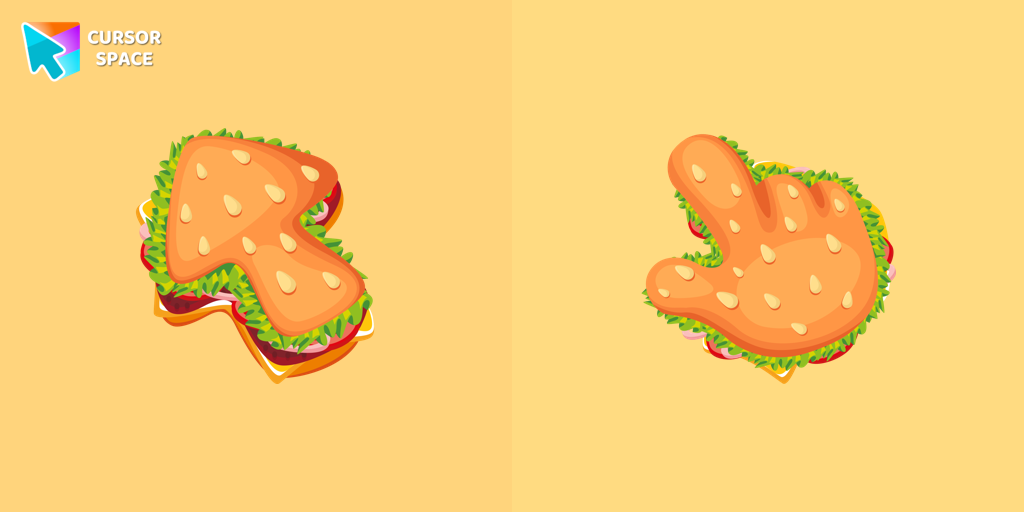
Burger Texture cursor
(418)FreeThe Burger Texture cursor is a distinctive and entertaining option for Chrome users who enjoy personalizing their browsing experience with custom cursors.
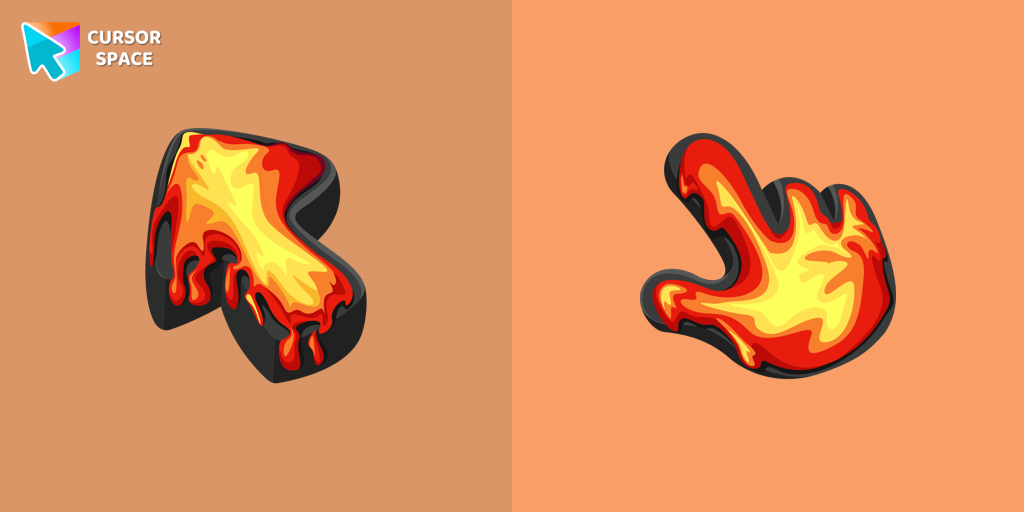
Lava Texture cursor
(360)FreeIgnite your browsing with the Lava custom cursor for Google Chrome, inspired by volcanic magma. Experience intense energy right on your screen.
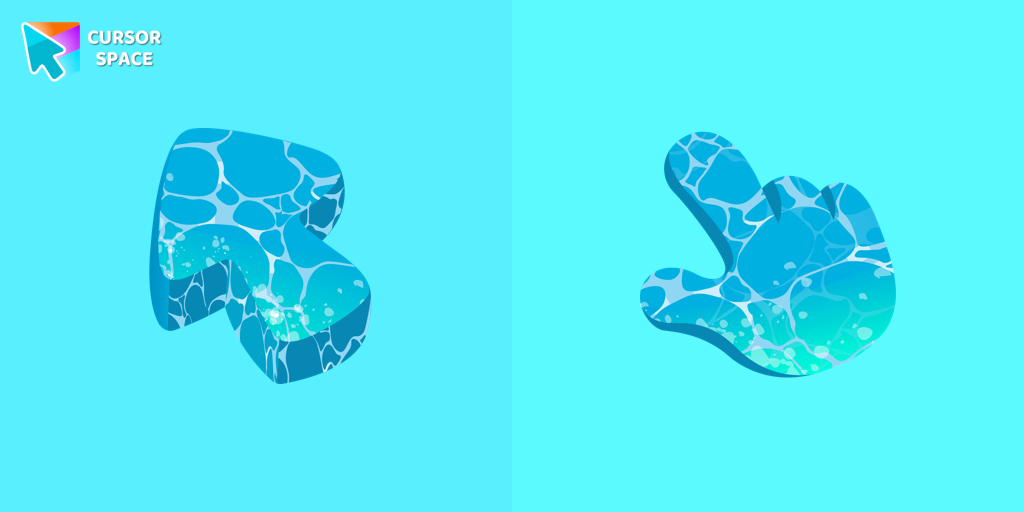
Water Texture cursor
(316)FreeWater is interesting because it can be in different forms. It can be solid like ice, gas like steam, and even turned into a special cursor for your mouse.
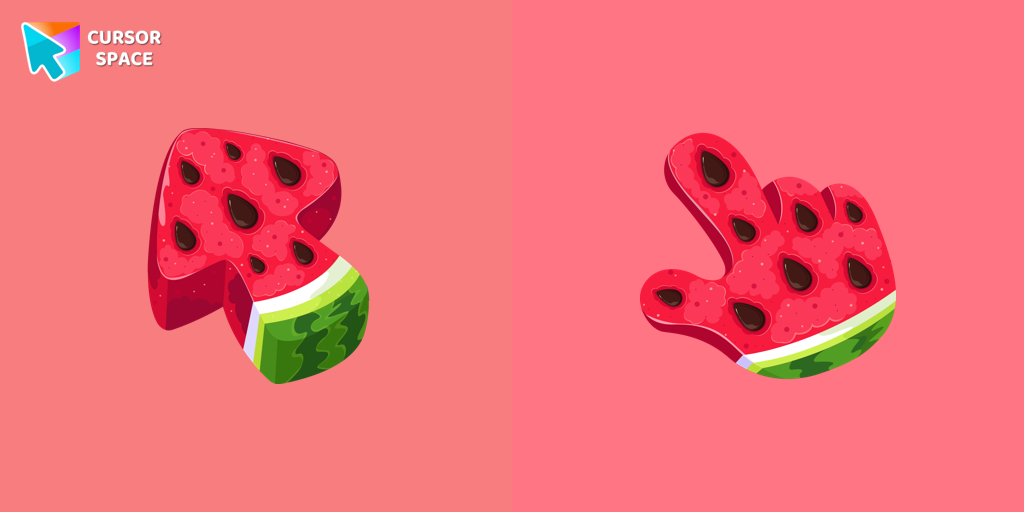
Watermelon Texture cursor
(308)FreeEnjoy summer vibes year-round with our Watermelon Texture custom cursor, adding refreshing charm and vibrant color to your browsing experience.
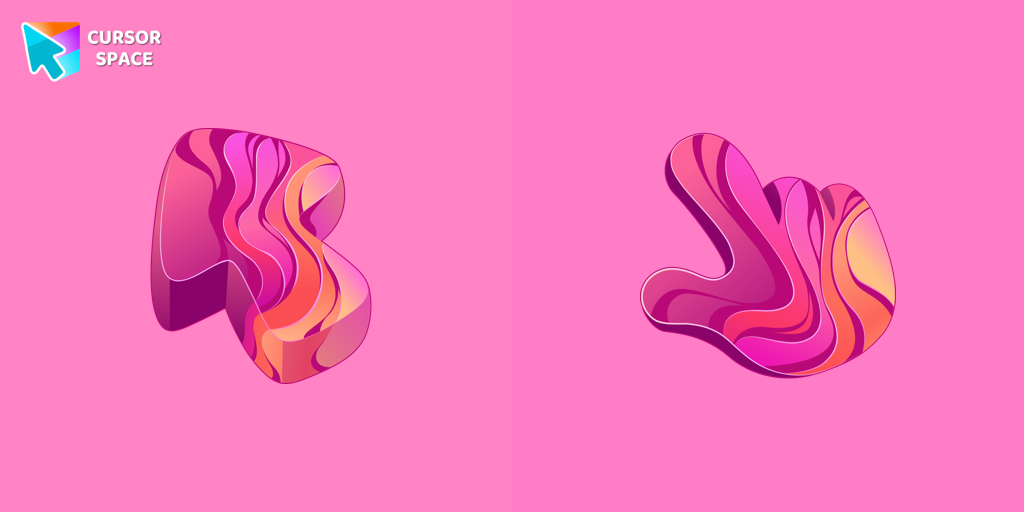
Gradient Texture cursor
(294)FreeAdd color and charm to your browsing with the Colorful Gradient Textures custom cursor. Express your style with this vibrant custom cursor for Google Chrome.
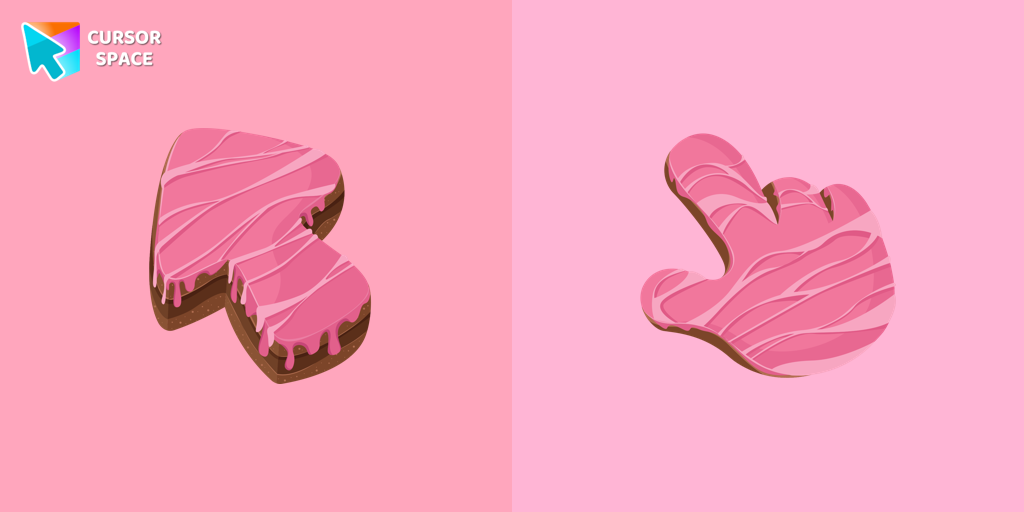
Cake Texture cursor
(257)FreeElevate your daily browsing with our cake custom cursor for Google Chrome. Celebrate each click with sweetness and style using this delightful custom cursor
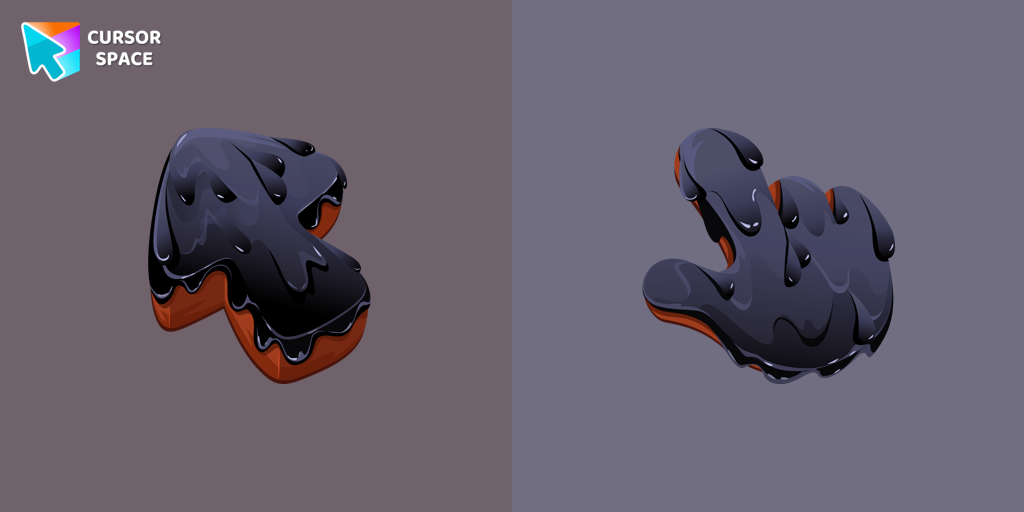
Black Resin Texture cursor
(233)FreeUpgrade your browsing with the Black Resin custom cursor for Google Chrome. Sleek and stylish, it adds a sophisticated touch to your screen. Try it now.
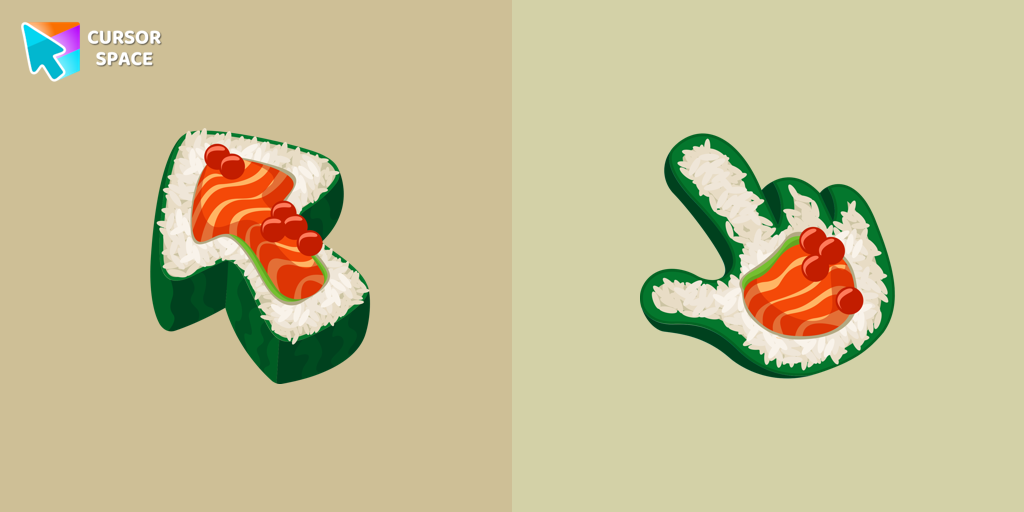
Sushi Texture cursor
(233)FreeImmerse yourself in Japanese culinary art with the Sushi Texture custom cursor for Google Chrome and elevate your browsing experience with style.
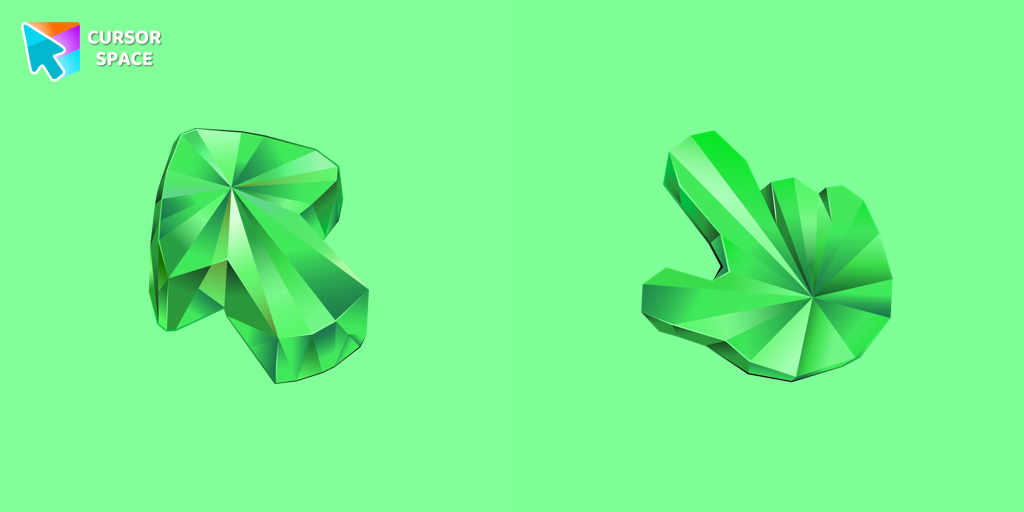
Emerald Texture cursor
(215)FreeEnhance your browsing with the Emerald Texture custom cursor for Google Chrome. Add a touch of elegance and history with this gem-inspired design. Try it now.
Install Cursor Space - A Collection of Custom Cursors for Chrome & Edge
Add packs instantly and unlock access to thousands of cursors: neon, anime, pixel-art, and more. Fast, safe, and free.
- Free cursor packs
- HD/HiDPI & animated icons
- Quick browser installation
Cursor Space is an extension for changing your mouse cursor in Chrome and Edge browsers: themed collections, HiDPI icons, neon, animated, and pixel cursors, with quick installation.